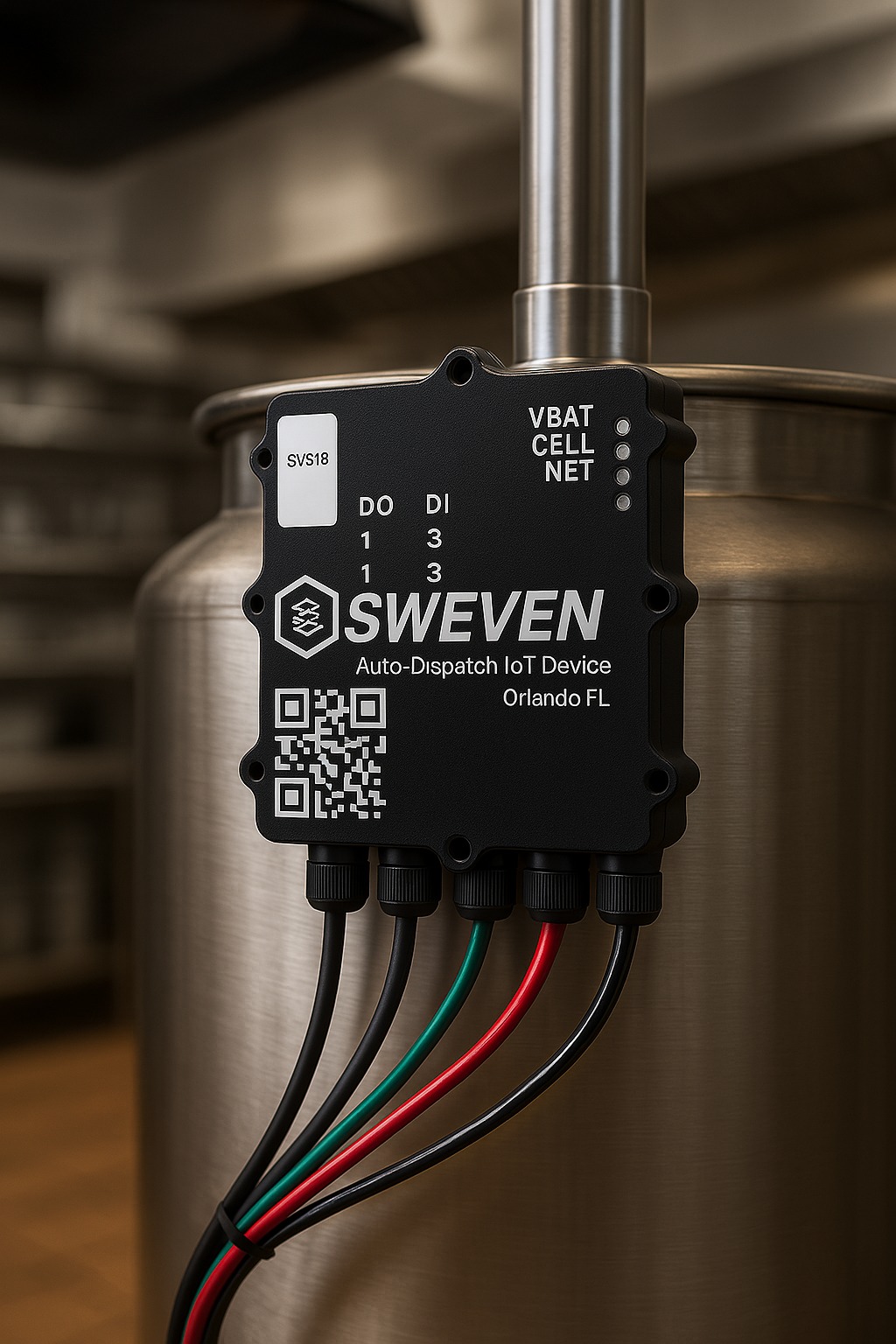
HOW TO: Install a SWEVEN IoT Device with Alarm for a Tank
In this step-by-step guide, you’ll learn how to install a SWEVEN IoT device with an alarm to monitor tank levels — for example, in a restaurant that
How to Create Your SWEVEN Vendor Account in Under 1 Minute
We’ve prepared a short step-by-step video to help new vendors get started quickly.In less than 60 seconds, you’ll learn how to: Watch the video here:
Configure Your SWEVEN IoT Device via Wi-Fi
Hello SWEVEN Community. To help you set up your IoT device quickly and avoid extra back-and-forth, here’s a step-by-step guide on how to configure your device directly
How to clear the cache for a single site in Chrome
When to use: If a SWEVEN page looks outdated, won’t load correctly, or behaves oddly after a deploy. Steps (desktop Chrome): 1.- Open the affected
HOW TO: Install a SWEVEN IoT Device with Alarm for a Tank
In this step-by-step guide, you’ll learn how to install a SWEVEN IoT device with an alarm to monitor tank levels — for example, in a restaurant that
How to Create Your SWEVEN Vendor Account in Under 1 Minute
We’ve prepared a short step-by-step video to help new vendors get started quickly.In less than 60 seconds, you’ll learn how to: Watch the video here:
Configure Your SWEVEN IoT Device via Wi-Fi
Hello SWEVEN Community. To help you set up your IoT device quickly and avoid extra back-and-forth, here’s a step-by-step guide on how to configure your device directly
How to clear the cache for a single site in Chrome
When to use: If a SWEVEN page looks outdated, won’t load correctly, or behaves oddly after a deploy. Steps (desktop Chrome): 1.- Open the affected
Automated Tax Management System
We’re excited to announce the launch of our comprehensive Tax Management System – a powerful new feature that automates tax calculations across all your work
Introducing the Inventory Module
The Inventory Module is your centralized hub for defining, tracking, and managing stock—down to individual clients, warehouses, and item attributes. With both list and detail
To-Do Manager – Reminders Feature
Introduction & Overview The To-Do Manager is a powerful new feature designed to help you stay organized and never miss important tasks. Within the To-Do
HOW TO: Install a SWEVEN IoT Device with Alarm for a Tank
In this step-by-step guide, you’ll learn how to install a SWEVEN IoT device with an alarm to monitor tank levels — for example, in a restaurant that
How to Create Your SWEVEN Vendor Account in Under 1 Minute
We’ve prepared a short step-by-step video to help new vendors get started quickly.In less than 60 seconds, you’ll learn how to: Watch the video here:
Configure Your SWEVEN IoT Device via Wi-Fi
Hello SWEVEN Community. To help you set up your IoT device quickly and avoid extra back-and-forth, here’s a step-by-step guide on how to configure your device directly
How to clear the cache for a single site in Chrome
When to use: If a SWEVEN page looks outdated, won’t load correctly, or behaves oddly after a deploy. Steps (desktop Chrome): 1.- Open the affected
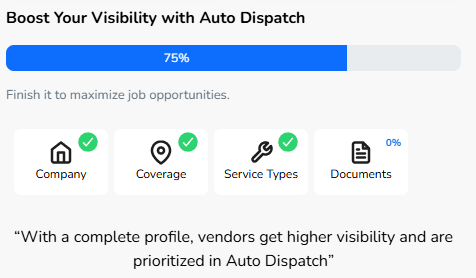
Vendor Profile
As a vendor, you play a vital role in ensuring the seamless execution of maintenance and operational tasks. The Sweven Community is designed to empower
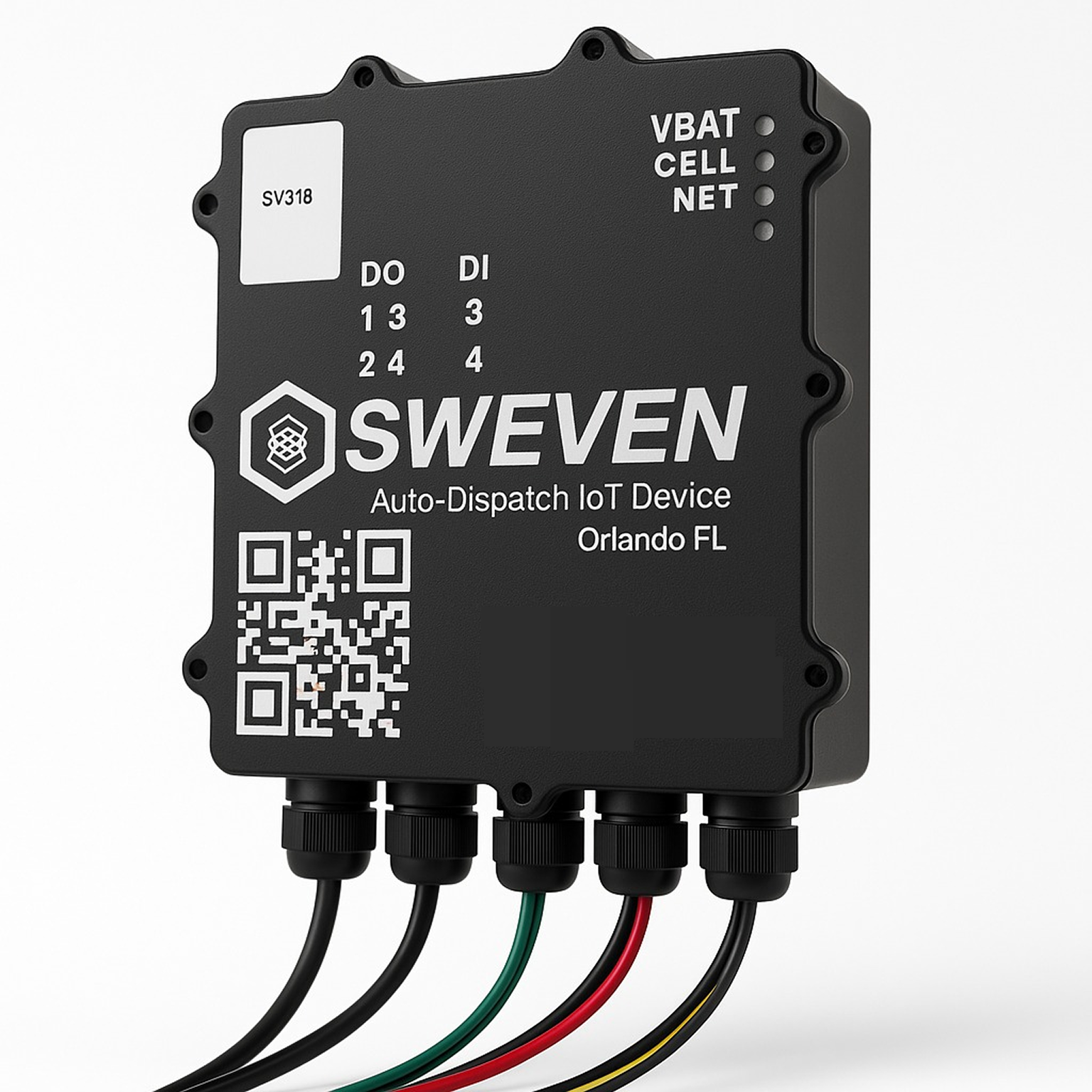
Understanding LED Status Indicators on Your Device
To help you quickly identify the operational status of your device, we’ve implemented a simple LED color system. Here’s what each LED indicates: 🔵 SIM
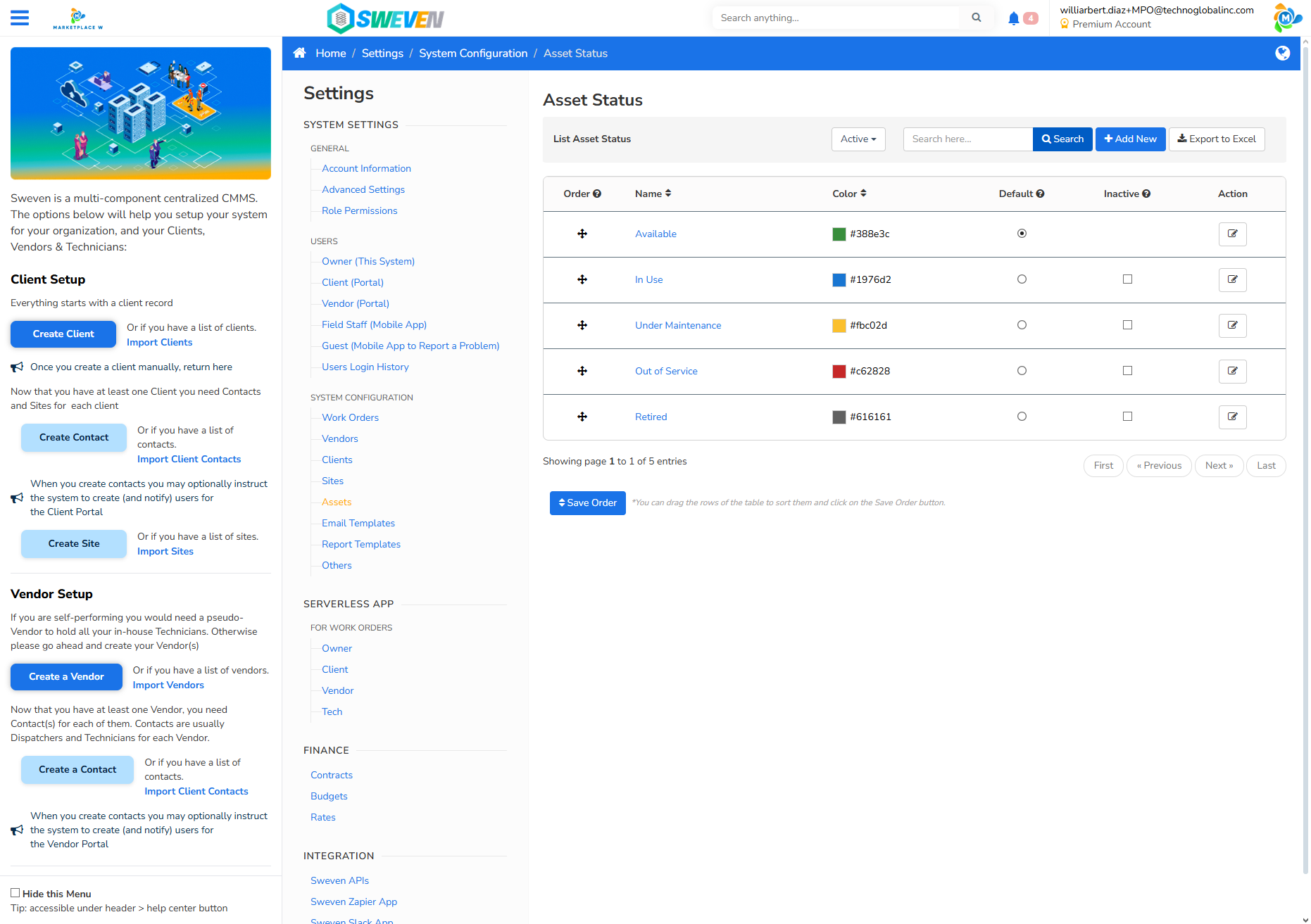
Understanding Dropdowns When Creating an Asset in SWEVEN
Here is a description of the dropdowns used during asset creation and their related resources: 2. SiteThis dropdown lists all active sites belonging to the