
What do you want to master today?

Creating your Sweven account.

Watch this video tutorial.
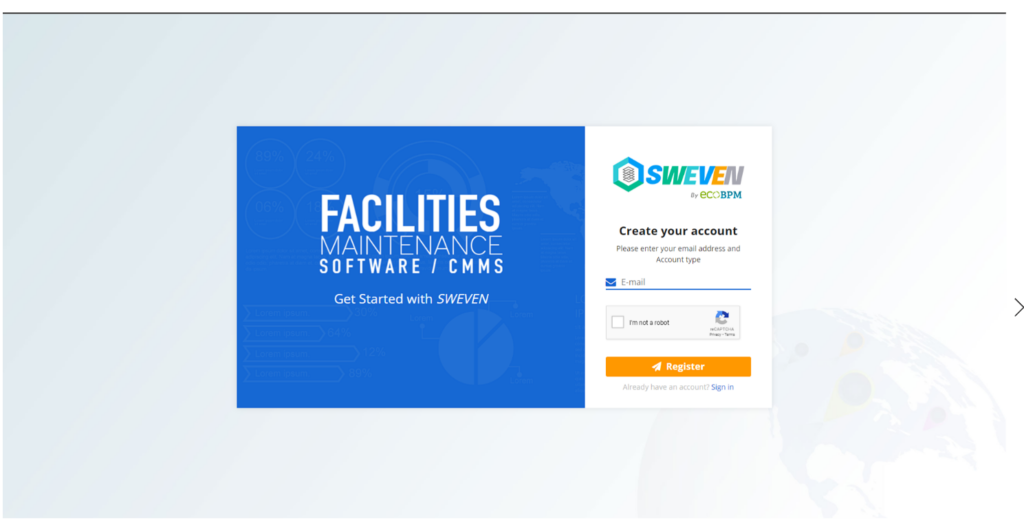
Step 1: Go to https://app.swevenbpm.com/subscription/signup

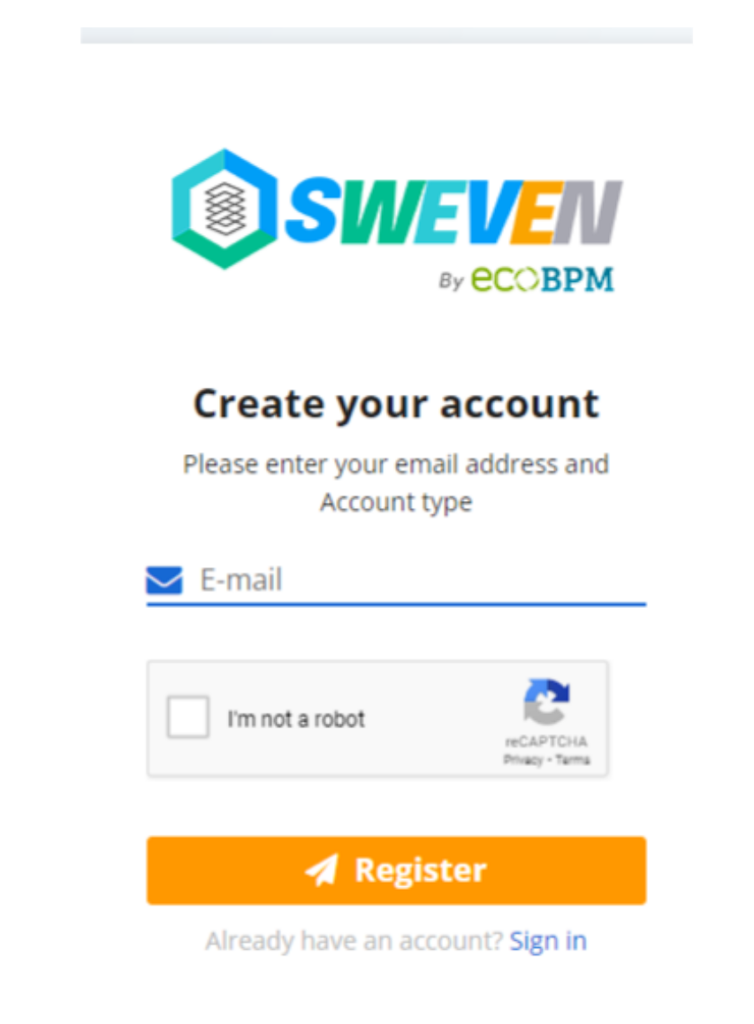
Step 2: Type your email address and then click «Register»
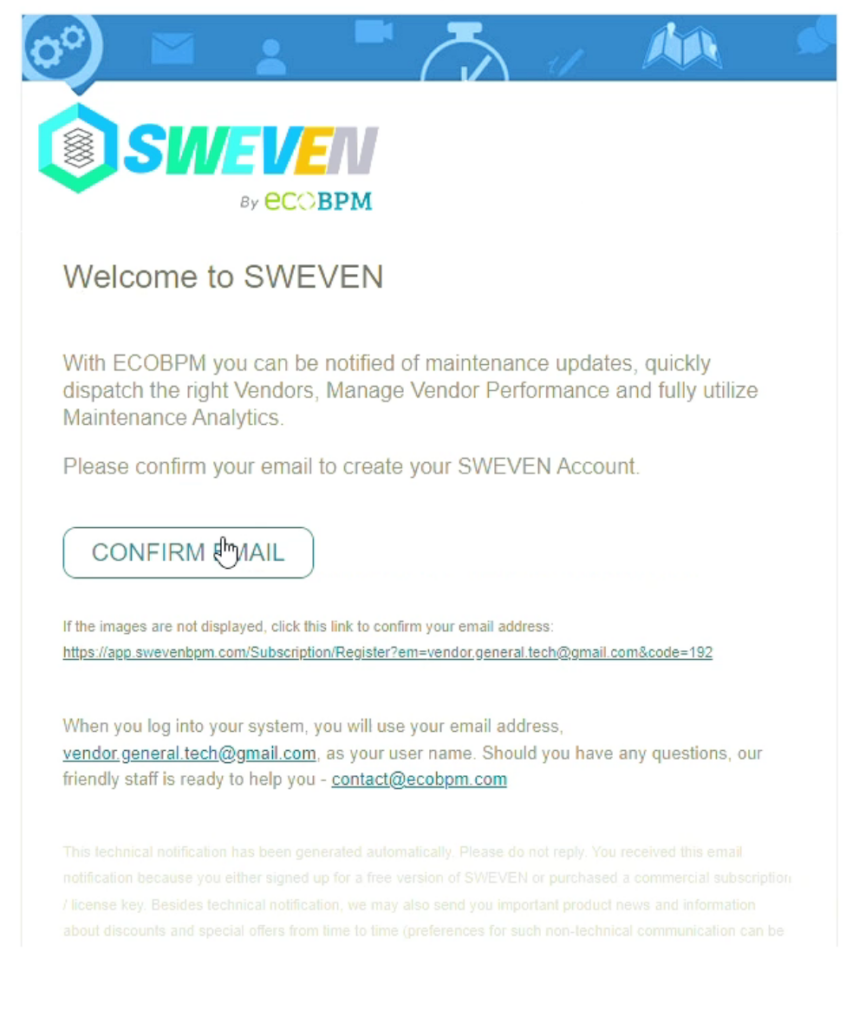
Step 3: You will receive a confirmation email, click on
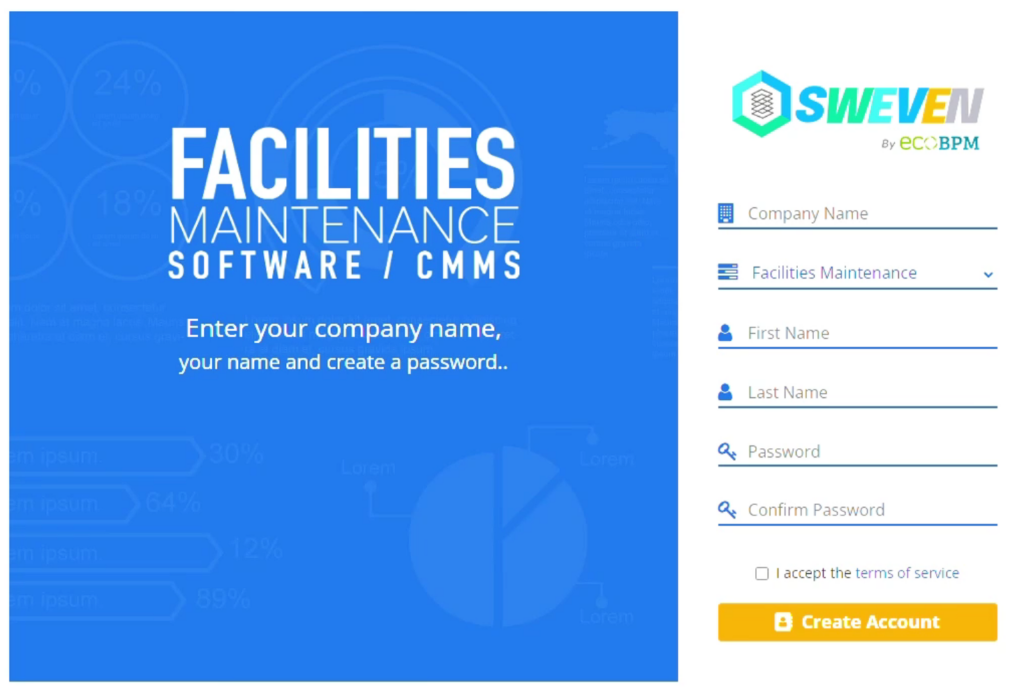
Step 4: Fill in all the fields and then click «Create account»
Step 5: You will be redirected to the sign in page, type in your email and password.
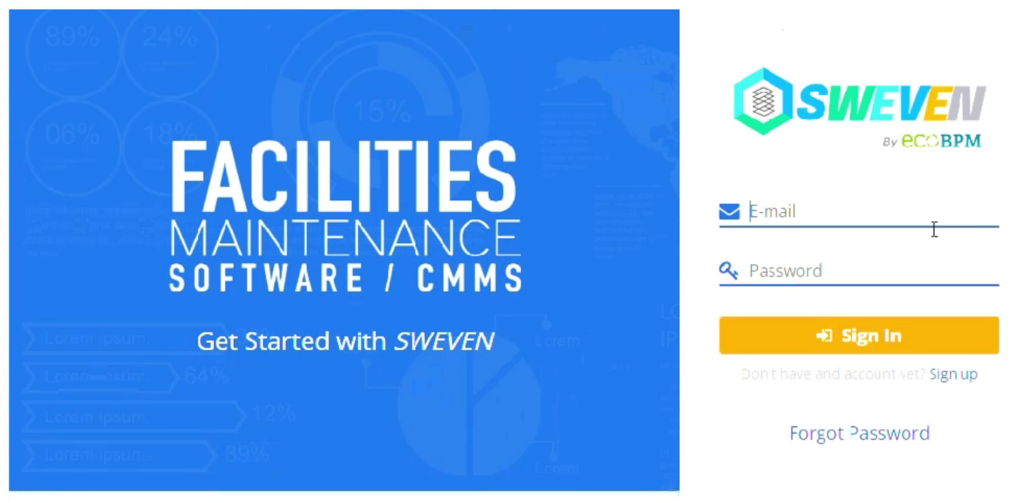
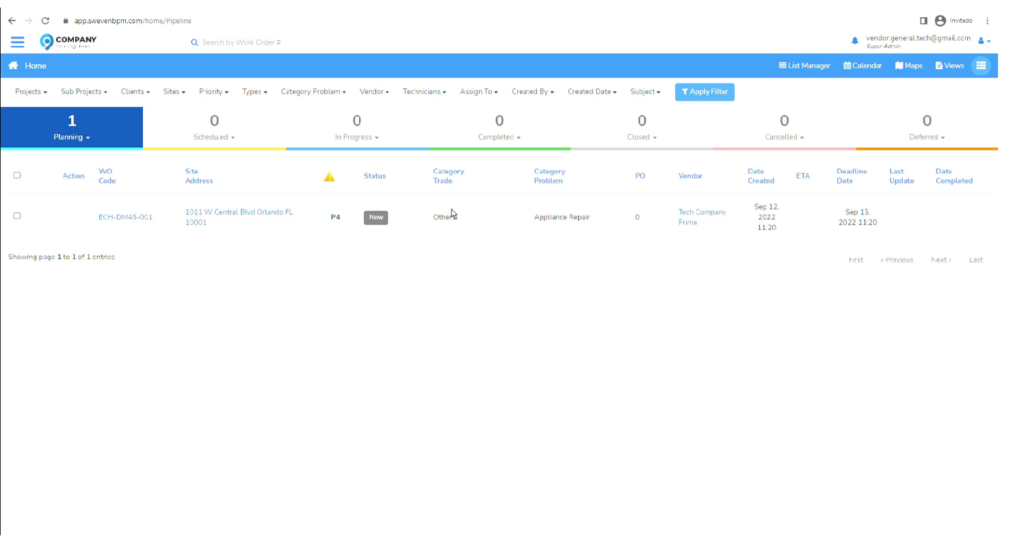
Step 6: You can now register your vendors or staff. And start creating and assigning new work orders to them.
You may also like

Introduction to Client Portal

Your clients using Sweven can access a dedicated platform to monitor and provide or retrieve information on tasks directly to you.

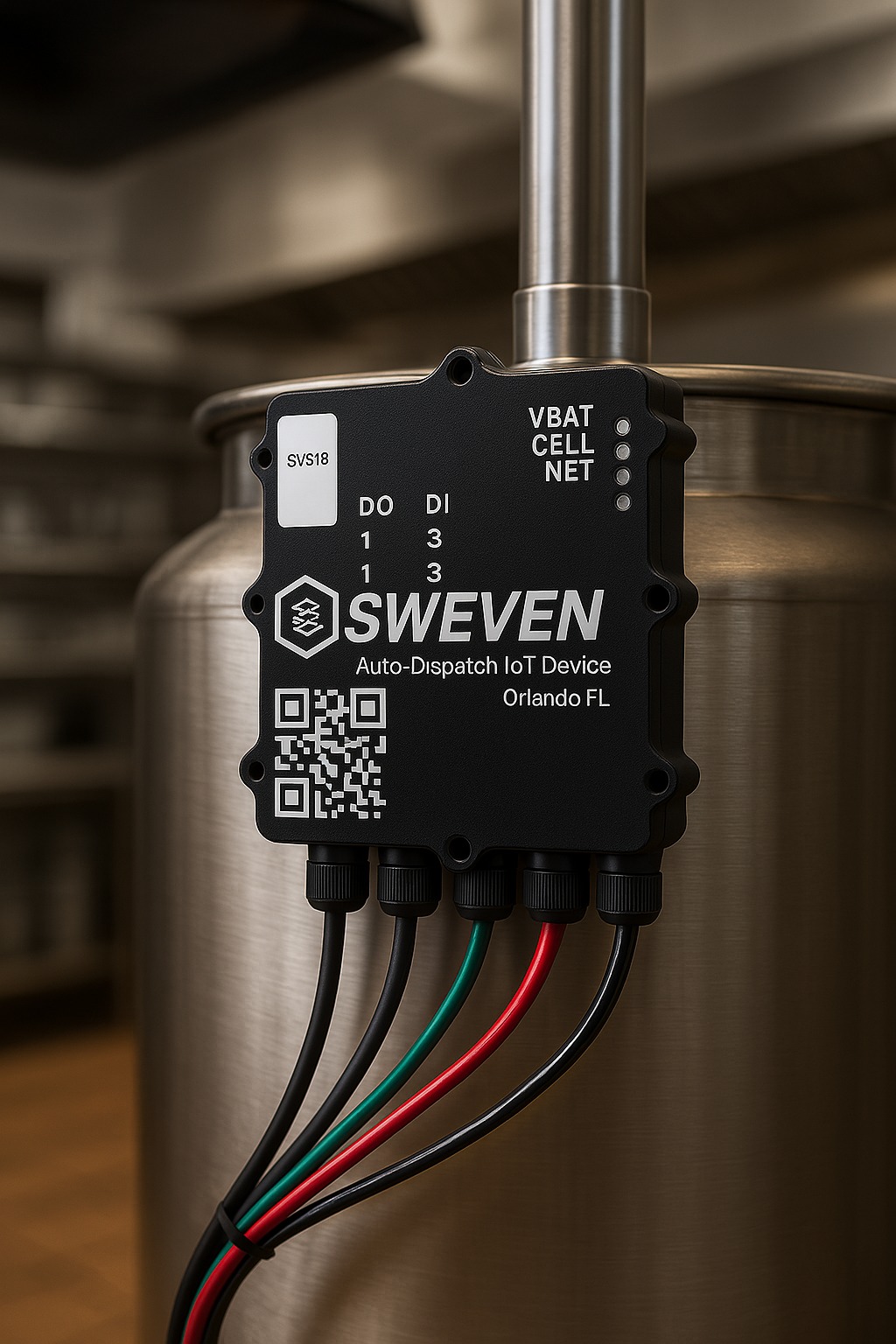
Sweven IoT Board Manual

Introduction Thanks for using our iot device. This is an instruction manual on how to use the SWEVEN IoT Box