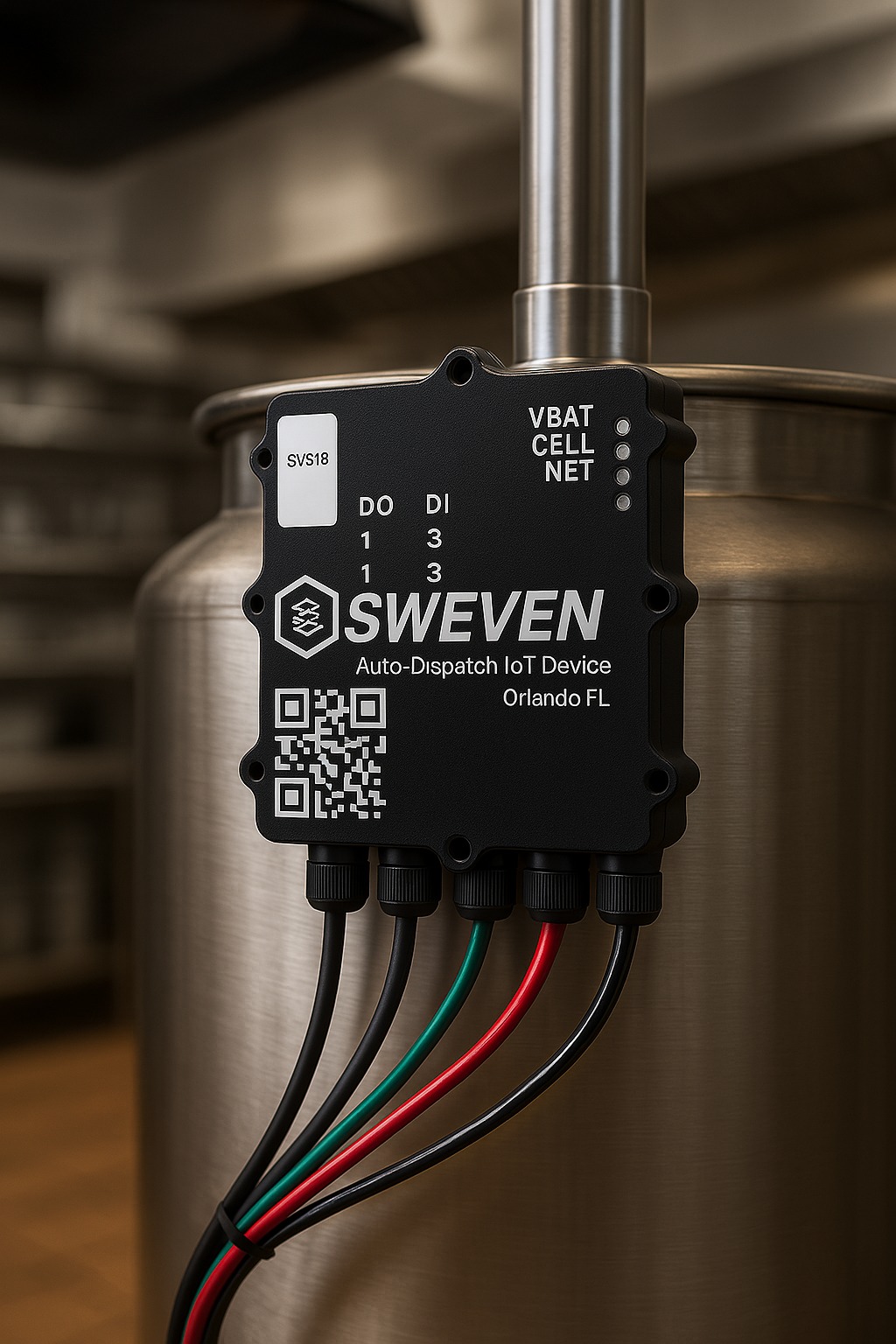
The Inventory Module is your centralized hub for defining, tracking, and managing stock—down to individual clients, warehouses, and item attributes. With both list and detail views, it delivers full visibility and control over every SKU, material, and product in your ecosystem.
List Manager & Filtering
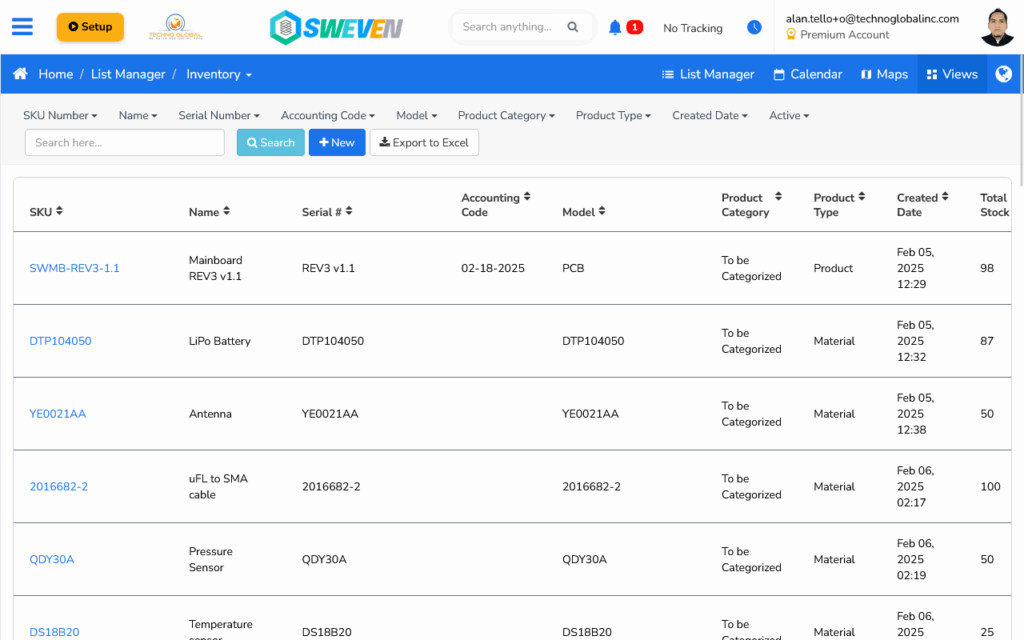
Configurable Columns: View SKU, Name, Serial #, Accounting Code, Model, Category, Type, Created Date, Total Stock, and Active status—all sortable.
Advanced Filters: Narrow results by any column (e.g., Product Type = “Material” or Created Date).
Bulk Actions: Export filtered lists to Excel or create new items in one click.
Item Detail & Attributes
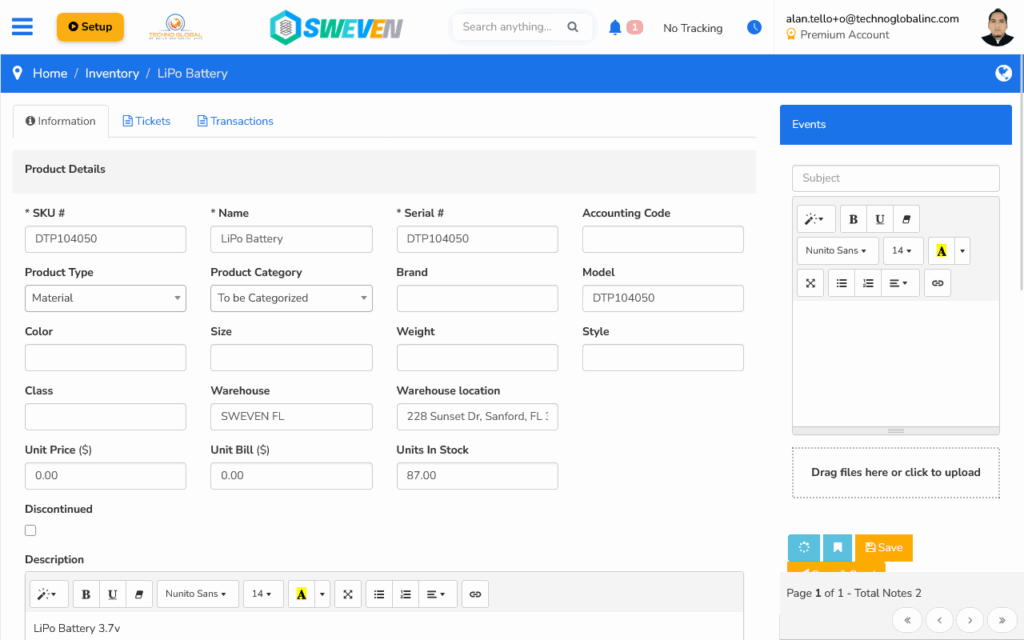
Essential Fields: SKU #, Name, Serial #, Accounting Code, Product Type (Material/Product), Category, Brand, Model.
Extended Attributes: Color, Size, Weight, Style, Class.
Warehouse Assignment: Select the warehouse and location for physical tracking.
Pricing & Costing: Enter Unit Price and Unit Bill for financial insights.
Stock Level: View and adjust “Units In Stock” directly on the record.
Status & Description: Mark items as Discontinued and add rich-text descriptions.
Transactions & Tickets
Transactions Tab: See a full history of receipts, adjustments, transfers, and consumption—filterable by date or type.
Tickets Tab: Link support or procurement tickets directly to the item for seamless follow-up.
Events & Notes
Event Logging: Create notes or schedule activities (e.g., reorder reminders) from the “Events” sidebar.
Document Attachments: Drag-and-drop files or email updates to keep all communications in one place.
By combining powerful list-level controls with rich item-level detail, the Inventory Module keeps your stock accurate, auditable, and fully segmented by client and warehouse—so you always know what’s where.