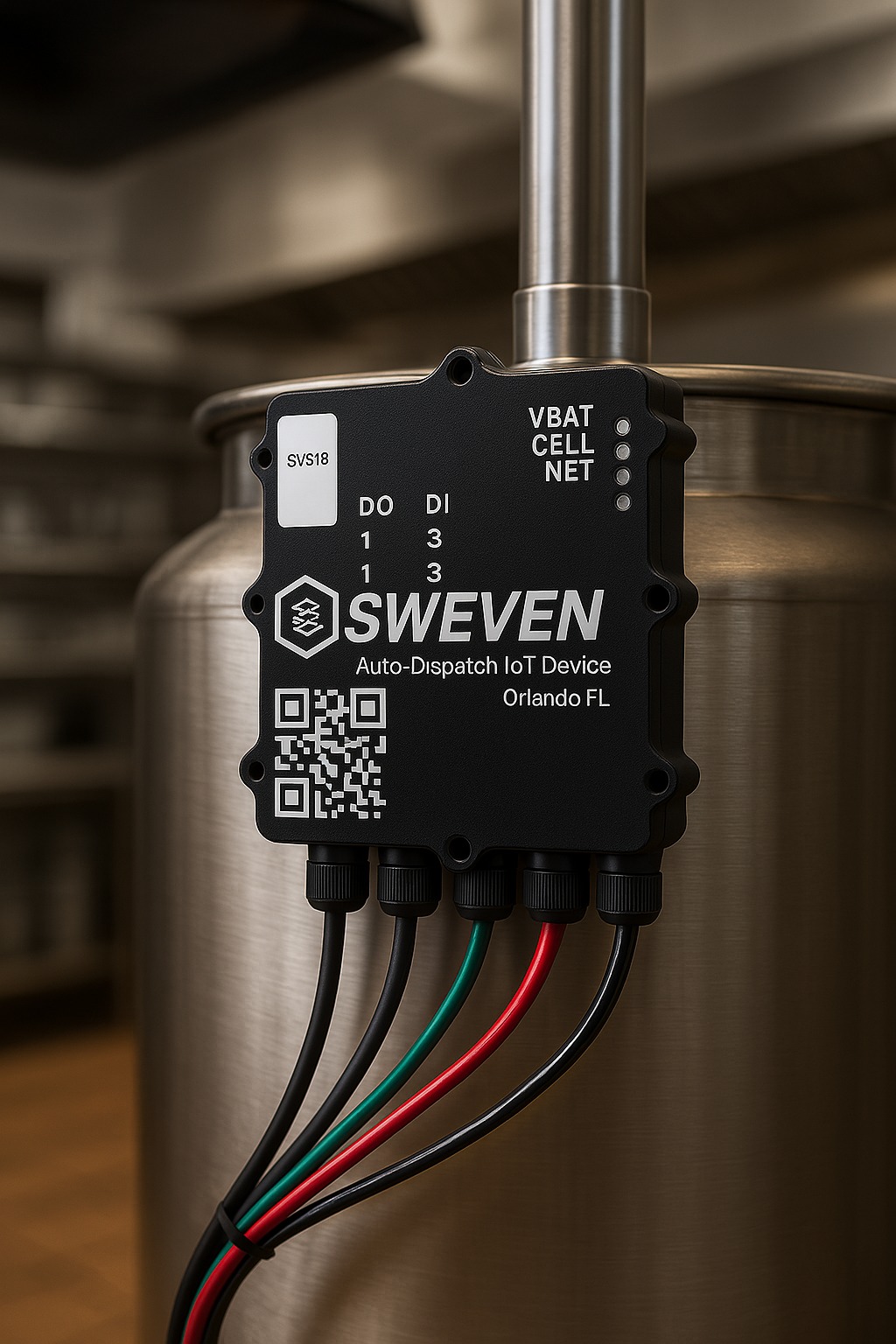
When using email communication:
Vendors receive work orders via email.
They can accept/reject or update status using quick-action links—no login required.
To configure:
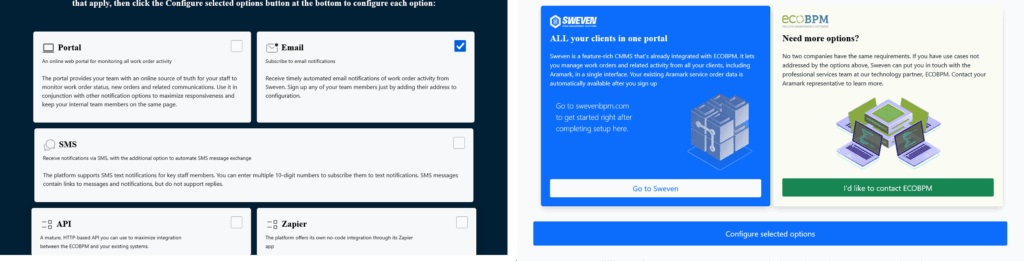
Select the «Email» checkbox.
Click «Configure Selected Options».
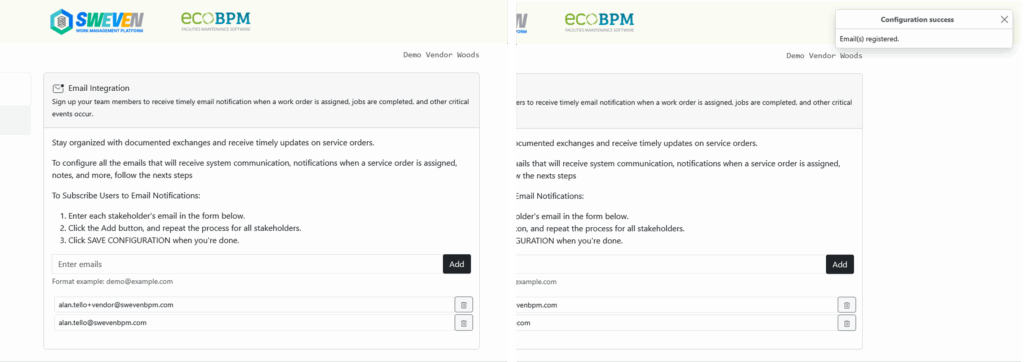
Add one or more destination email addresses.
Click «Add», then «Save Configuration».
A confirmation will appear in the top-right corner.