
What do you want to master today?

How to Create a Work Order.

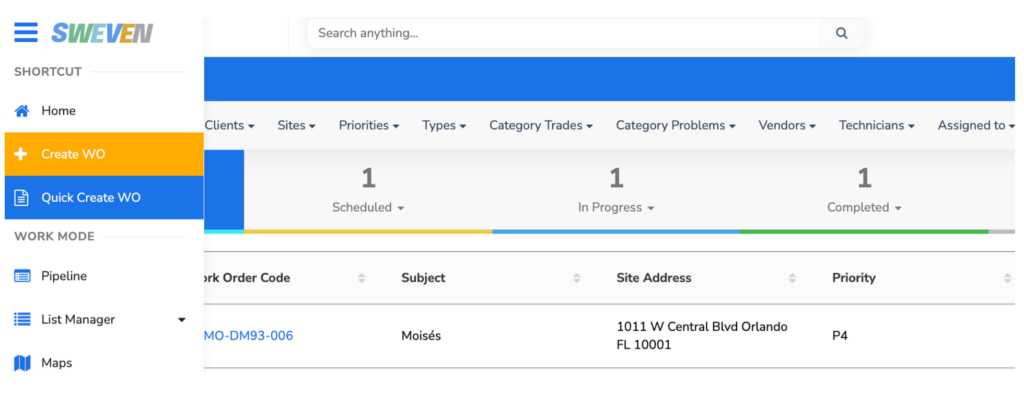
Click on the hamburger menu at the top left of the screen. You can select “Create a WO” for the full Work Order formulary or “Quick Create WO” for a fast, lean version. Either option will create a New work order as per the data entered during creation.
You may also like

Introduction to Client Portal

Your clients using Sweven can access a dedicated platform to monitor and provide or retrieve information on tasks directly to you.

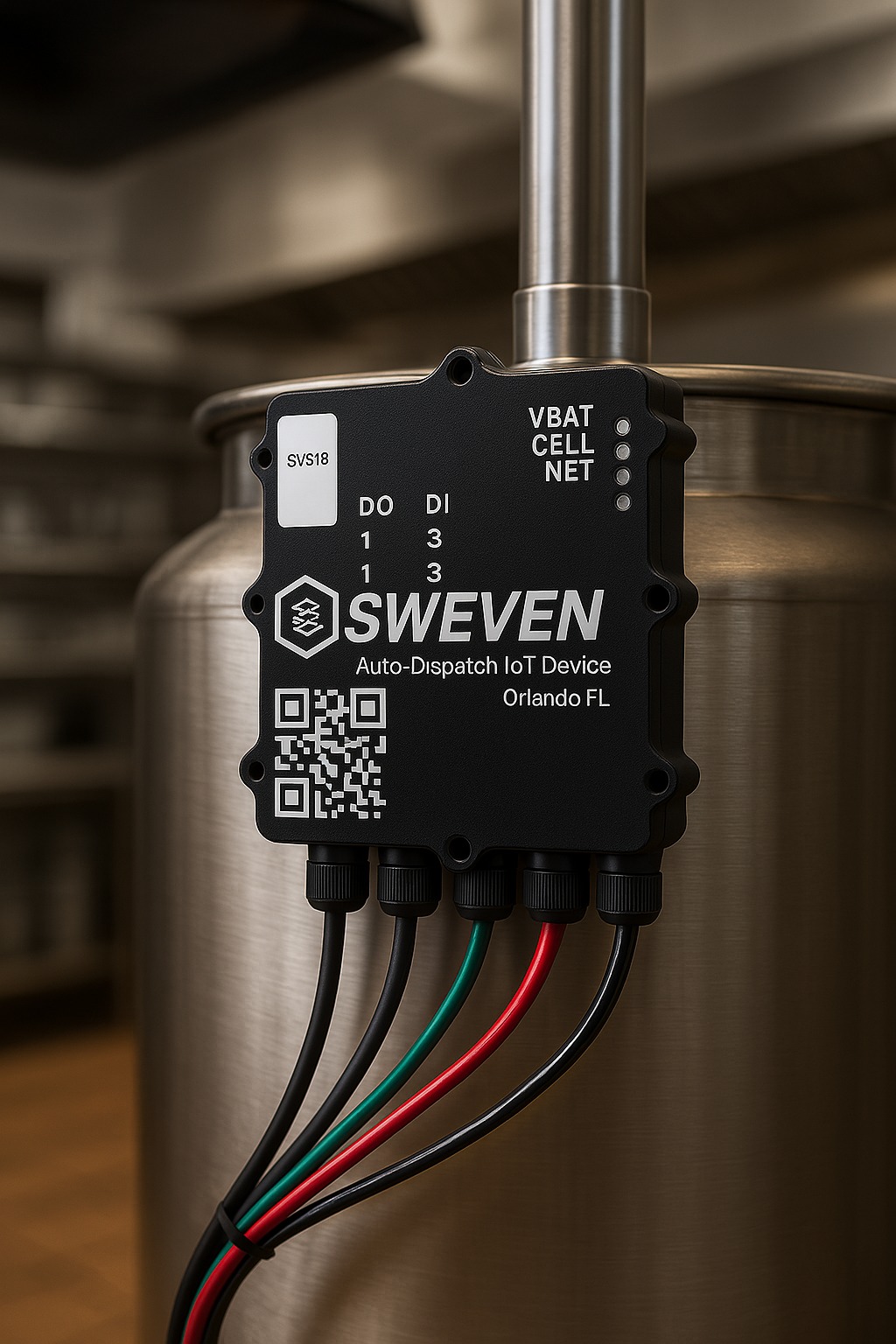
Sweven IoT Board Manual

Introduction Thanks for using our iot device. This is an instruction manual on how to use the SWEVEN IoT Box