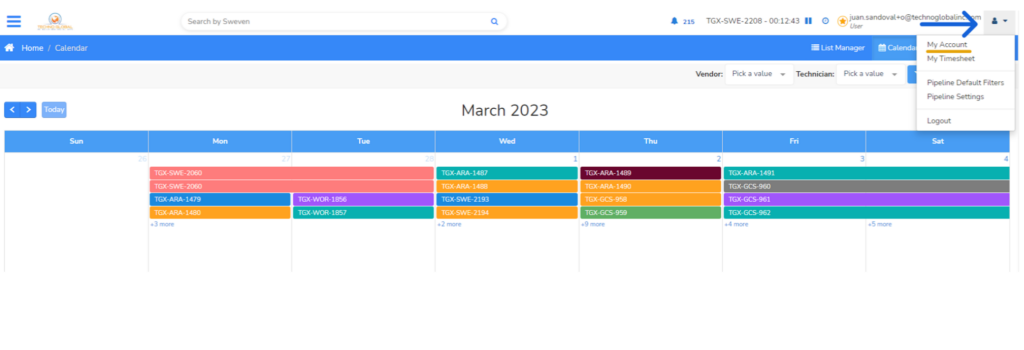
You can access your account settings by clicking on the user icon on the top right of Sweven. Then, click «My Account»
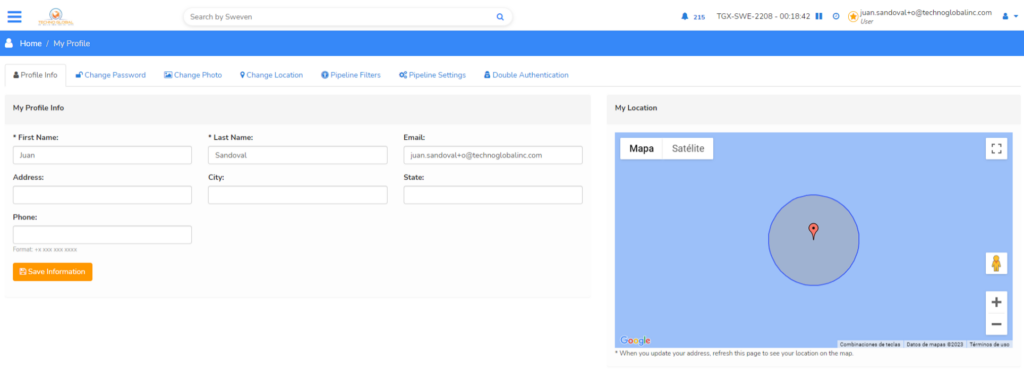
On the «Profile Info» Section, you will be able to edit your personal information such as name, address, or phone number.

You can access your account settings by clicking on the user icon on the top right of Sweven. Then, click «My Account»
On the «Profile Info» Section, you will be able to edit your personal information such as name, address, or phone number.
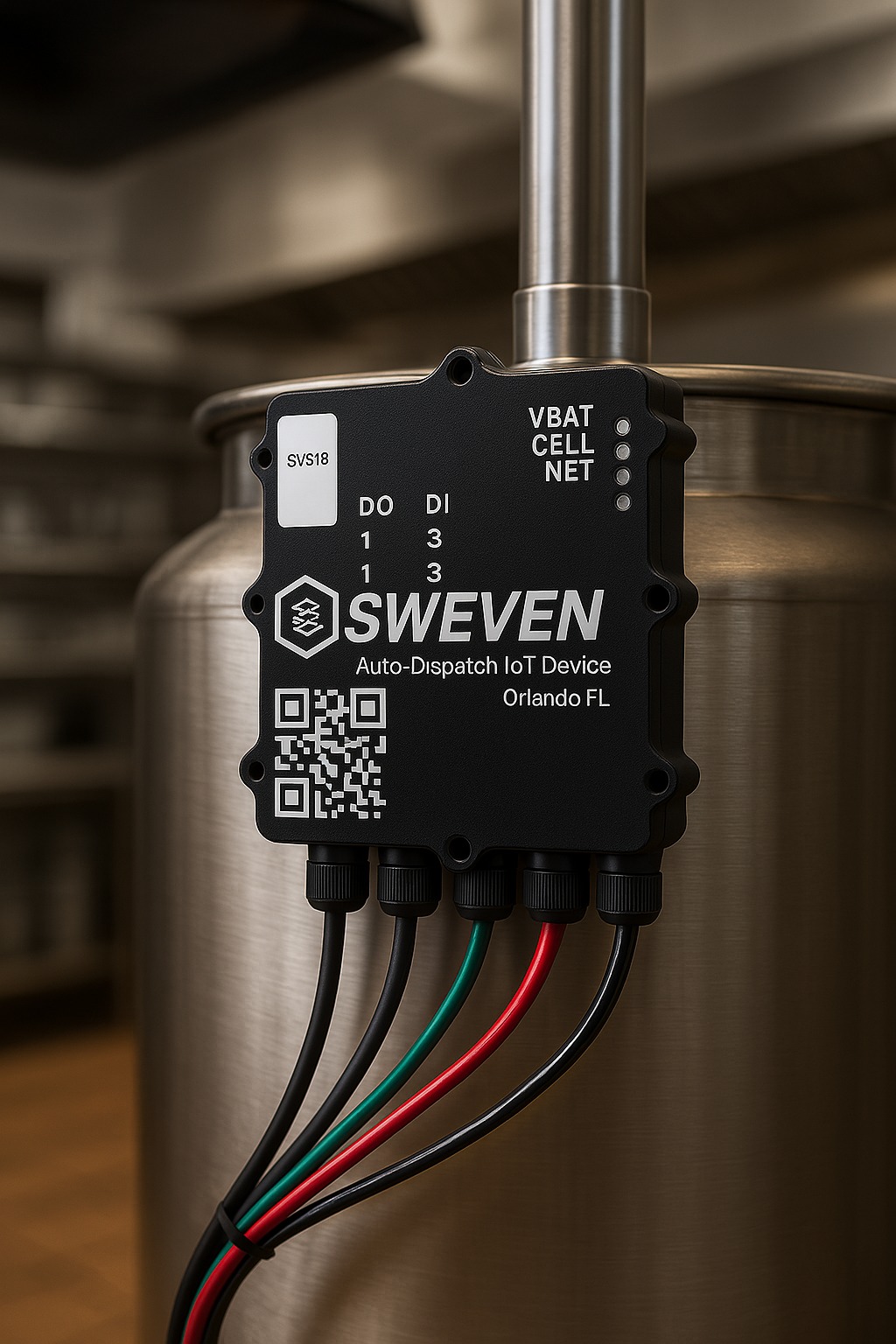
In this step-by-step guide, you’ll learn how to install a SWEVEN IoT device with an alarm to monitor tank levels — for

Work Orders in Sweven are identified by Status as a mandatory field. This lets you and all involved know how

Your clients using Sweven can access a dedicated platform to monitor and provide or retrieve information on tasks directly to you.

Introduction Thanks for using our iot device. This is an instruction manual on how to use the SWEVEN IoT Box