What do you want to master today?

Inviting a Vendor

To invite a vendor:
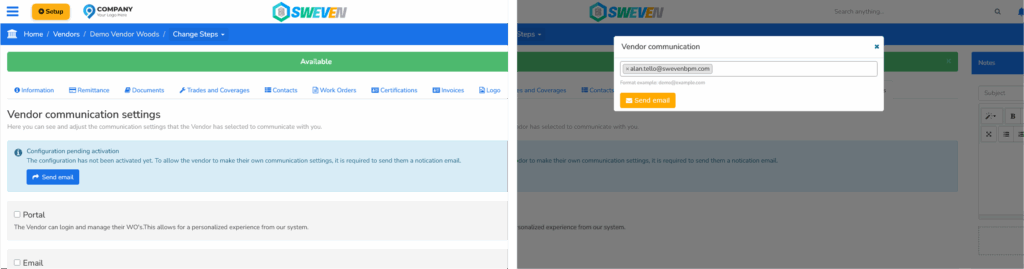
Click the blue «Send Email» button.
In the modal box, enter the vendor’s primary email address.
Click the orange «Send Email» button.

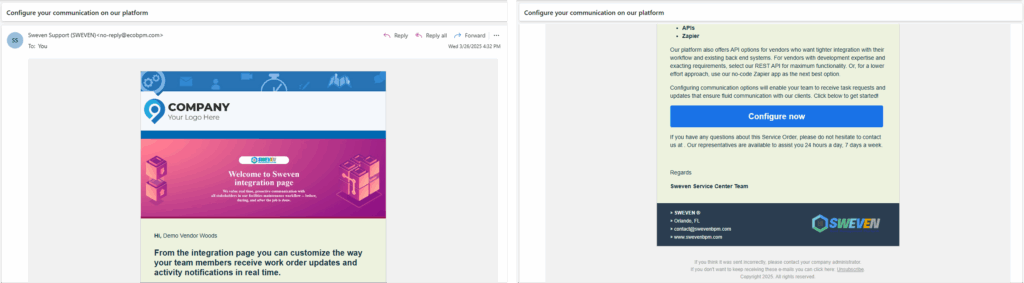
This sends the vendor an Integration Page Invitation email with a brief explanation and a link to configure their communication preferences.
You may also like

Introduction to Client Portal

Your clients using Sweven can access a dedicated platform to monitor and provide or retrieve information on tasks directly to you.

Sweven IoT Board Manual

Introduction Thanks for using our iot device. This is an instruction manual on how to use the SWEVEN IoT Box