
What do you want to master today?

Getting Started

To begin using Vendor Communication:
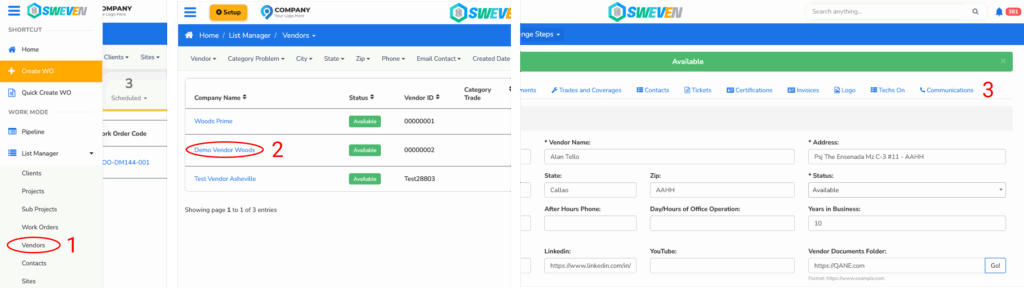
Log in to the Owner Account.
Open the Vendor Profile you want to configure.
Go to the “Communications” tab.

From here, you can:
Send an invitation email to the vendor to let them choose their preferred communication method.
Manually configure the communication method directly in this section.
You may also like

Introduction to Client Portal

Your clients using Sweven can access a dedicated platform to monitor and provide or retrieve information on tasks directly to you.

Sweven IoT Board Manual

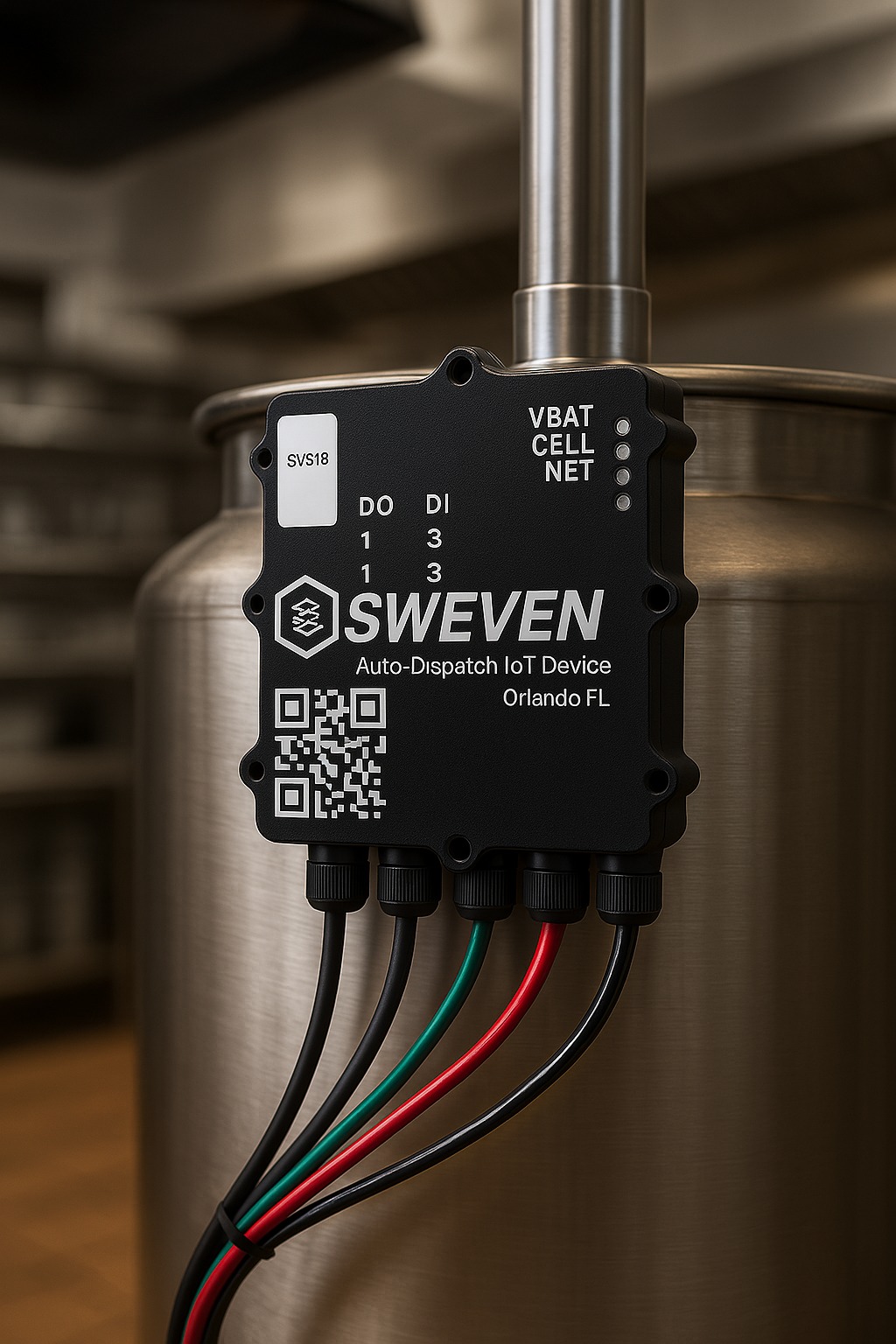
Introduction Thanks for using our iot device. This is an instruction manual on how to use the SWEVEN IoT Box